Personal finance, organized: one clear picture of your money
Your money lives in fragments: checking here, cards there, investments somewhere else, bills on autopilot. Personal finance starts working the day all of it shares one screen. Here's how to build that picture, and how a money manager like Summa keeps it current on its own.
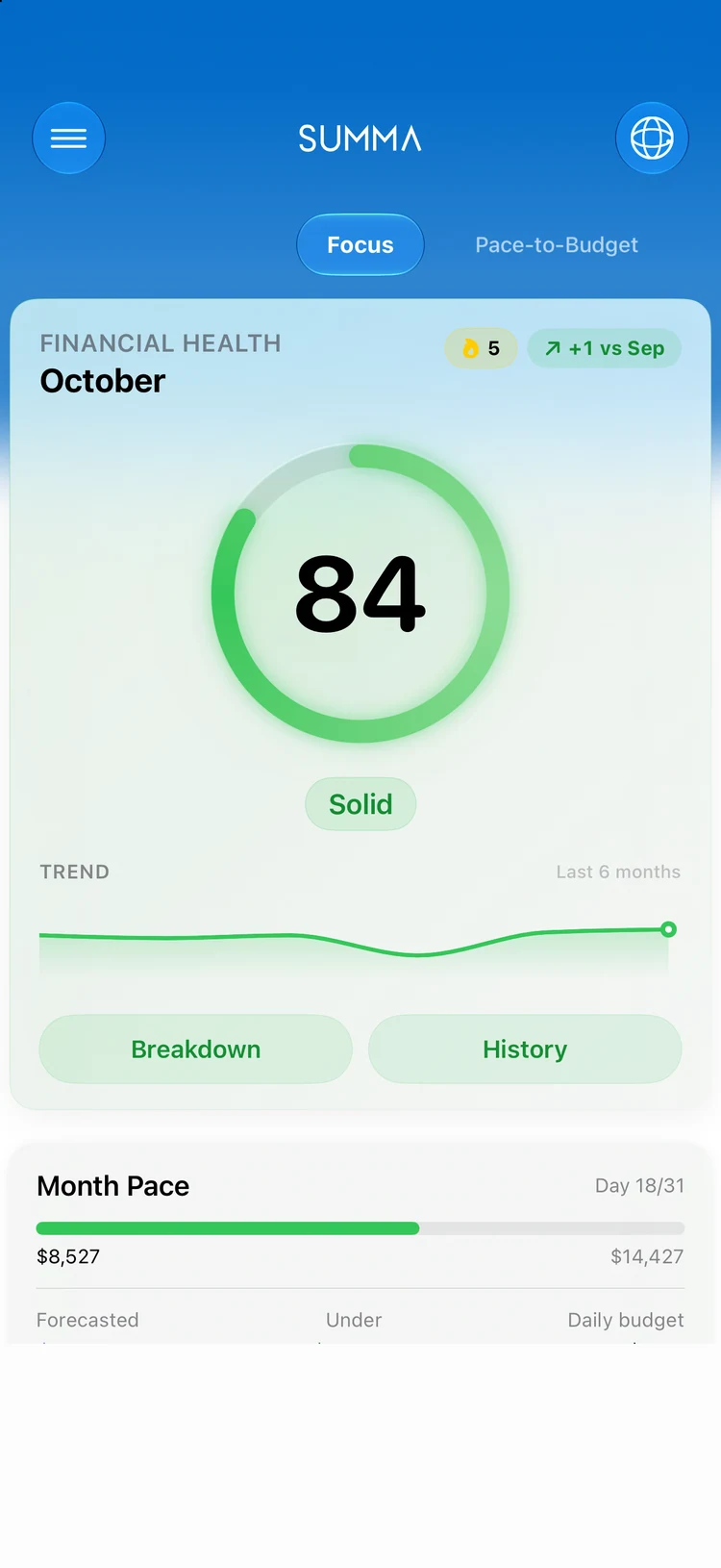
Start with visibility, not restriction
Most people begin personal finance with a restrictive budget and abandon it in a month. Reverse the order: first make every account, balance, and bill visible in one place. Restriction without visibility is guesswork; visibility alone already changes behavior: spending you can see is spending you question.
In Summa this means adding your accounts (synced automatically where bank connections are available, or tracked manually anywhere), letting transactions flow in, and giving the app a week to show you your real baseline, not the one you assume.
You can't manage what you can't see. The first week of a money manager is measurement, not discipline.
Budgets that describe you, then shape you
With a baseline in hand, set budgets that start honest: your actual average per category, not an aspiration. Then tighten one category at a time. Summa's rolling budgets track pace within the month, so you see 'creeping' before it becomes 'blown', while there's still time to steer.
Bills and subscriptions get their own lane: recurring charges are detected and scheduled, so fixed costs stop surprising you and the money that's truly free to allocate becomes obvious.
Give every goal a number and a date
'Save more' isn't a plan. 'Emergency fund: three months of expenses by June' is. Summa's savings goals turn each target into milestones with visible progress, and the cash-flow forecaster projects your balance forward so you can see whether this month's plan actually clears next month's bills.
Net worth: the number that ties it together
Day to day you manage spending; over years you manage net worth: everything you own minus everything you owe. Summa tracks it continuously across accounts, investments (with proper lot-level cost basis), and debts. Watching that single line trend up, month after month, is the most durable motivation in personal finance.
Private by architecture
A personal finance app sees everything, which is exactly why Summa is built to see it only on your device. Data stays local, bank credentials never touch Summa's servers, sharing with a partner is end-to-end encrypted, and there are no ads. The product you pay for is the product; you are not.
Your complete money command center
Summa brings accounts, budgets, bills, goals, investments, and net worth into one private, on-device app, beautifully built for iPhone and iPad. Free to download.