How to track your expenses, and actually keep it up
Most expense tracking fails in week three: too much typing, categories that don't fit, a log you stop trusting. This guide covers a routine that survives real life, and where an iPhone expense tracker like Summa does the heavy lifting.
Why expense tracking fails (and what fixes it)
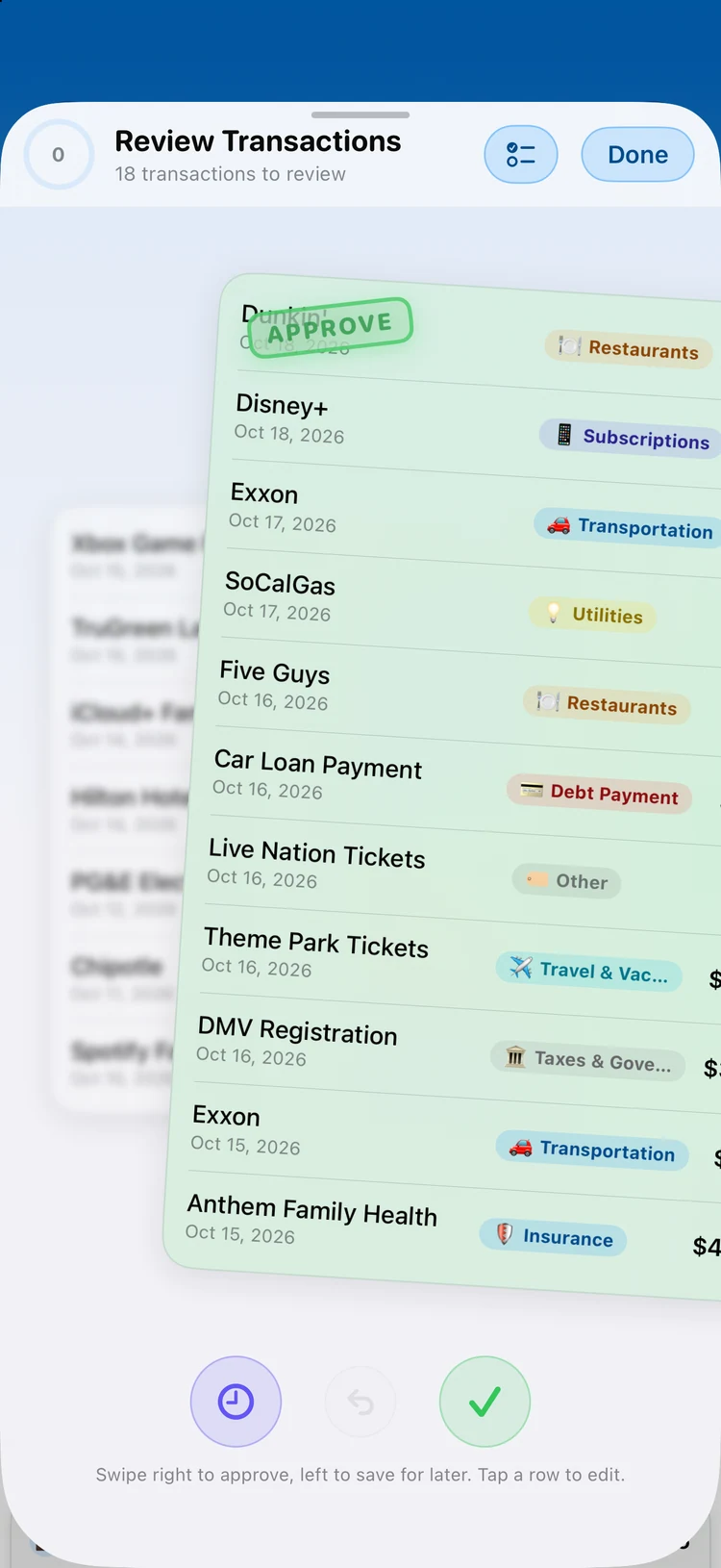
Tracking expenses isn't a discipline problem. It's a friction problem. If logging a coffee takes six taps, you'll stop by Thursday. The fix is to remove manual entry from the daily path entirely: capture transactions automatically, and reserve your attention for the one decision software can't make: is this spending taking you where you want to go?
A workable system needs three things: automatic capture (so nothing is missed), honest categories (so the totals mean something), and a short weekly review (so the numbers change your behavior instead of just recording it).
Rule of thumb: if your tracker needs more than 10 minutes a week of your time, the tracker is doing too little of the work.
Capture everything automatically
Connected accounts are the backbone. Summa syncs transactions from your bank and cards (via Plaid, where available), so purchases appear on their own: no typing, no forgotten cash line items three days later.
For everything that isn't on a card (cash, split bills, paper receipts), scan it. Summa's receipt scanning reads the total, merchant, and date from a photo and files the expense in seconds. And if you're arriving from a spreadsheet or another app, CSV import brings your history with you so day one isn't a blank page.
Make categories mean something
Categories fail when there are forty of them. Start with eight to twelve that mirror how you actually decide: groceries, eating out, transport, home, subscriptions, health, fun, and a deliberate 'everything else'. Summa auto-categorizes new transactions and learns from your corrections, so the sorting fades into the background within a couple of weeks.
The payoff is a spending picture you can read at a glance: which categories are stable, which creep, and which deserve a hard monthly cap.
The 10-minute weekly review
Once capture is automatic, the whole practice compresses into one short ritual. Same day each week, three passes:
- 01Skim the week's transactions and recategorize anything the automation got wrong (it gets rarer every week).
- 02Compare each budget's pace against the month: on track, creeping, or blown. Then decide the one adjustment you'll make.
- 03Glance at upcoming bills and recurring charges so nothing ambushes your balance.
Ten minutes, once a week, beats an hour of guilt at the end of the month, because it happens while you can still change the outcome.
Privacy: your spending is nobody's business
An expense log is one of the most intimate documents you own. Summa is built so it stays yours: data lives on your device, bank credentials are never seen by the app (connections run through Plaid's secure flow), and there are no ads and no selling of your data. The business model is a subscription, not you.
Track expenses without the typing
Summa captures your spending automatically (bank sync where available, receipt scanning everywhere) and keeps every number private and on-device. Free to download on iPhone and iPad.