


No. 01The whole picture

Your complete financial picture,all in one place.

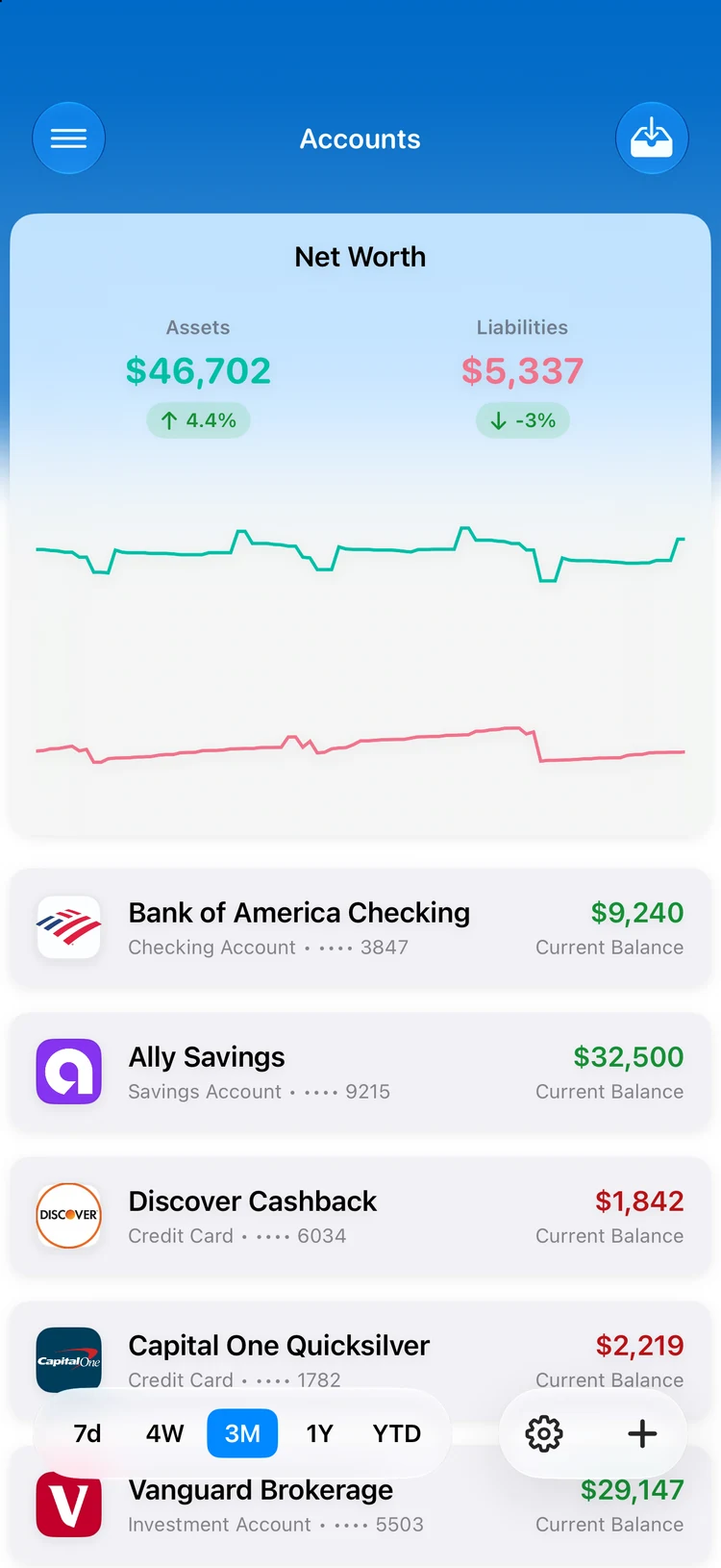
Accounts, budgets, goals, and forecasts — one ledger that always balances.

Free to start · iPhone and iPad · 17 languages

Summa0.00
Scroll

No. 02The dashboard

Your command center. Clear and complete.

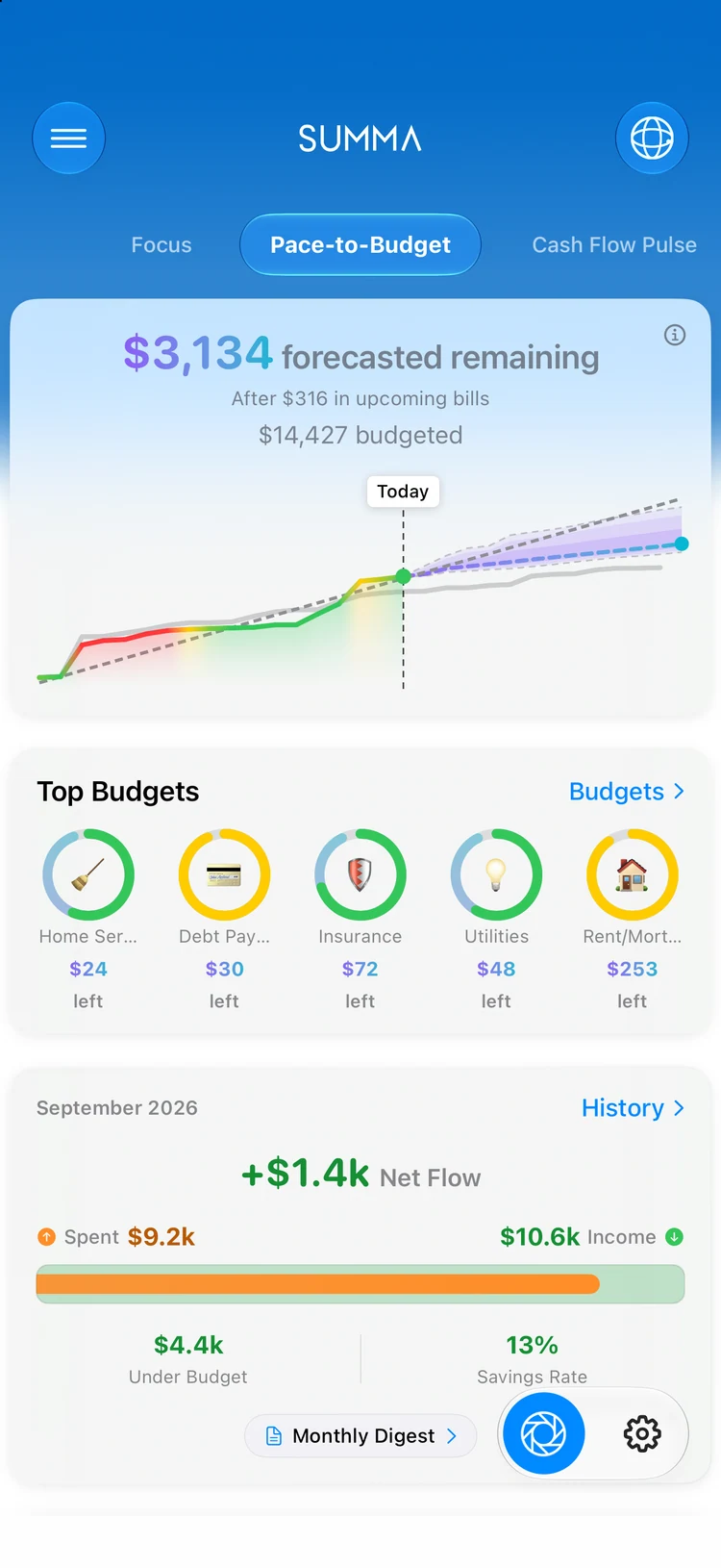
Six configurable modules. Each a clear view into a different part of your financial picture.

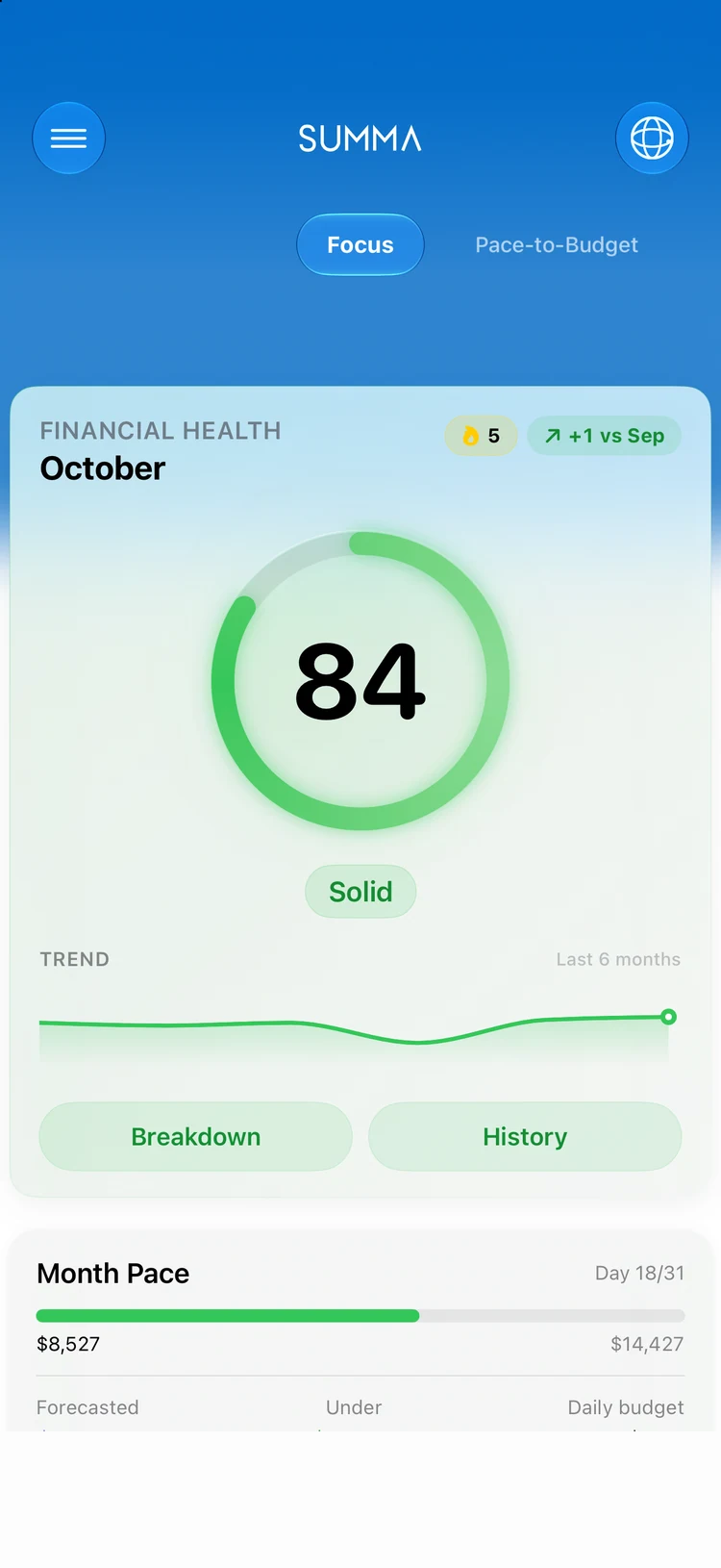
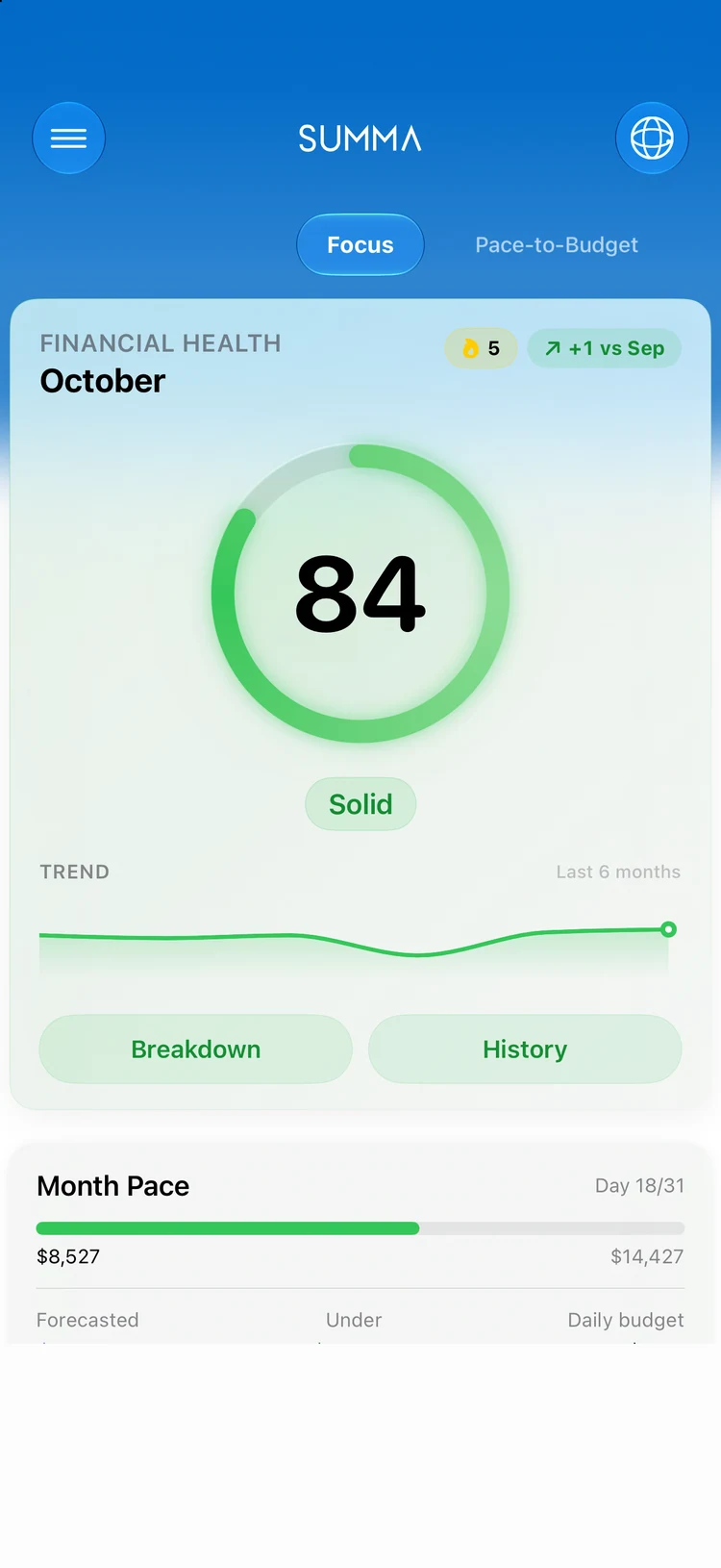
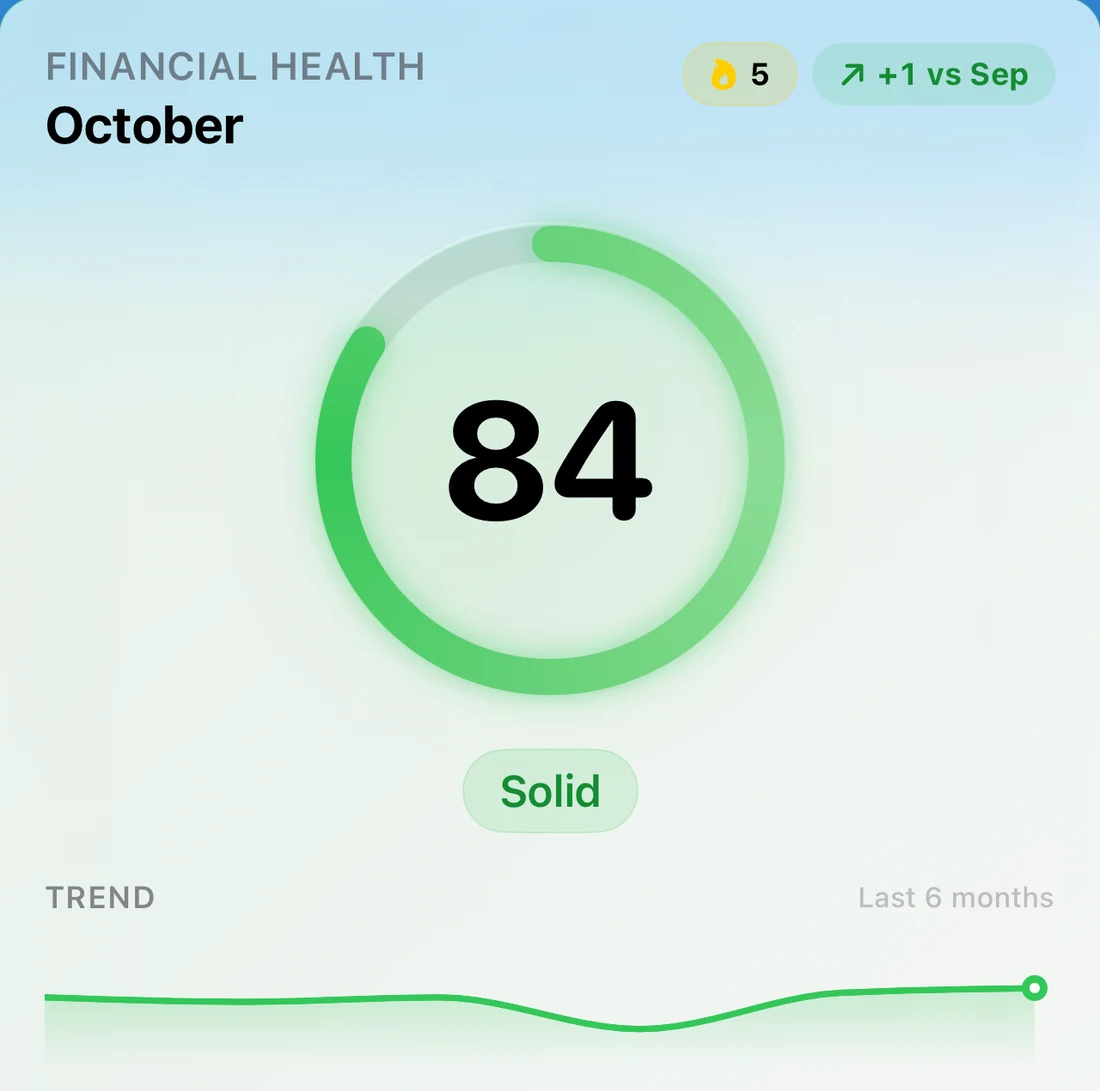
On-device health score with confidence level, actionable budget suggestions, natural-language queries, and monthly wellness archives for trend tracking.

Plate II · placeholder

iPhone screenshot: Focus dashboard. Health score ring (~82) with confidence badge, month pace row and one smart budget suggestion. Light mode, demo data.

Pl. IIFocus: Financial Wellness Score

No. 03Capture

It all adds up. Capture everything.

Three ways in. Bank sync, receipt scan, or manual entry, and every dollar finds its place.

Plate VIII · placeholder

iPhone screenshot: receipt scan mid-capture. Camera sheet over a paper receipt with detected amount and merchant fields highlighted. Light mode.

Pl. VIIIScan Receipts

Connect Accounts

Link your banks through Plaid. Transactions sync automatically, institutions display with brand logos, and re-auth is seamless.

Scan Receipts

Capture paper or email receipts via camera. On-device OCR extracts merchant, amount, and date into a ready-to-save transaction.

Auto-Categorize

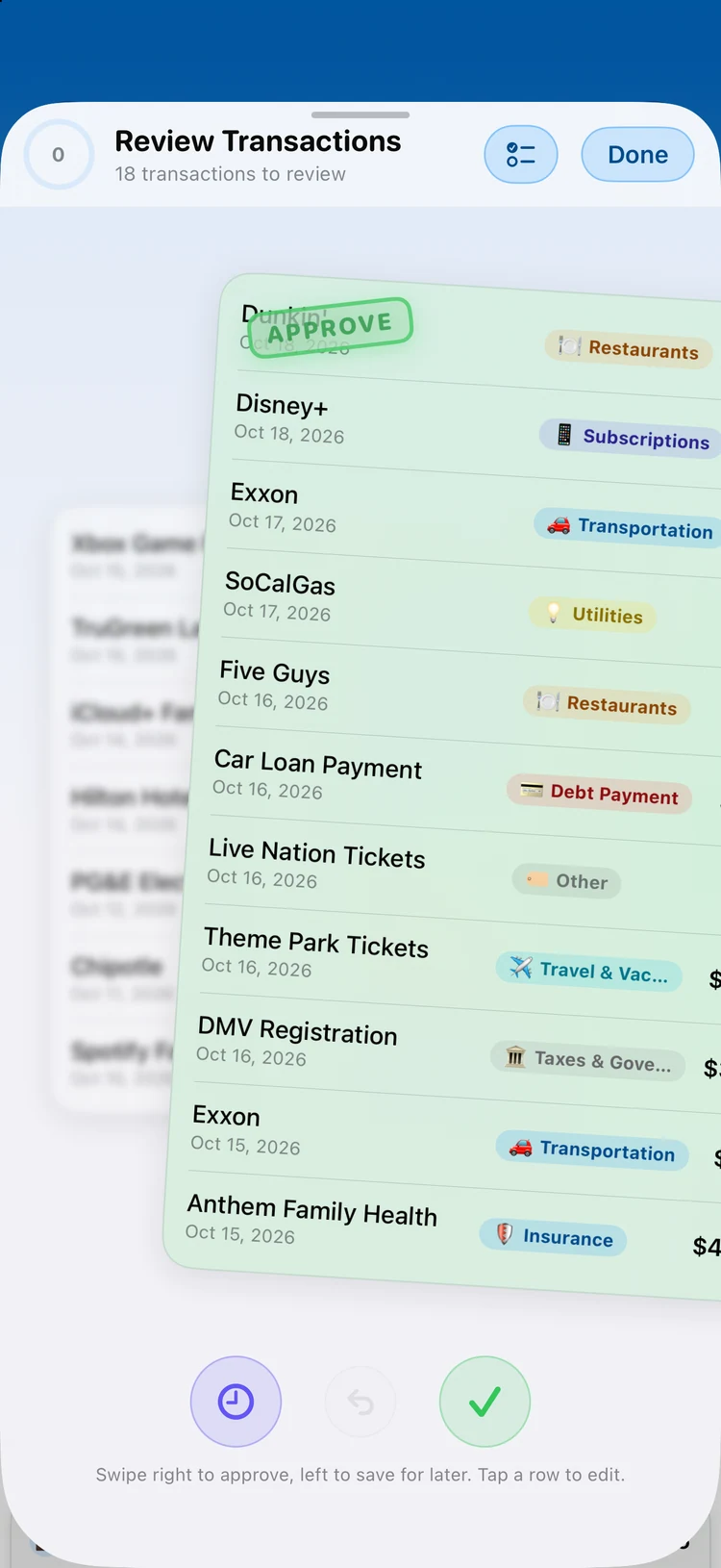
On-device intelligence assigns categories the instant a transaction lands. Custom rules and learned corrections make it smarter over time.

No. 04The everyday

Day to day. Total clarity.

Budgets

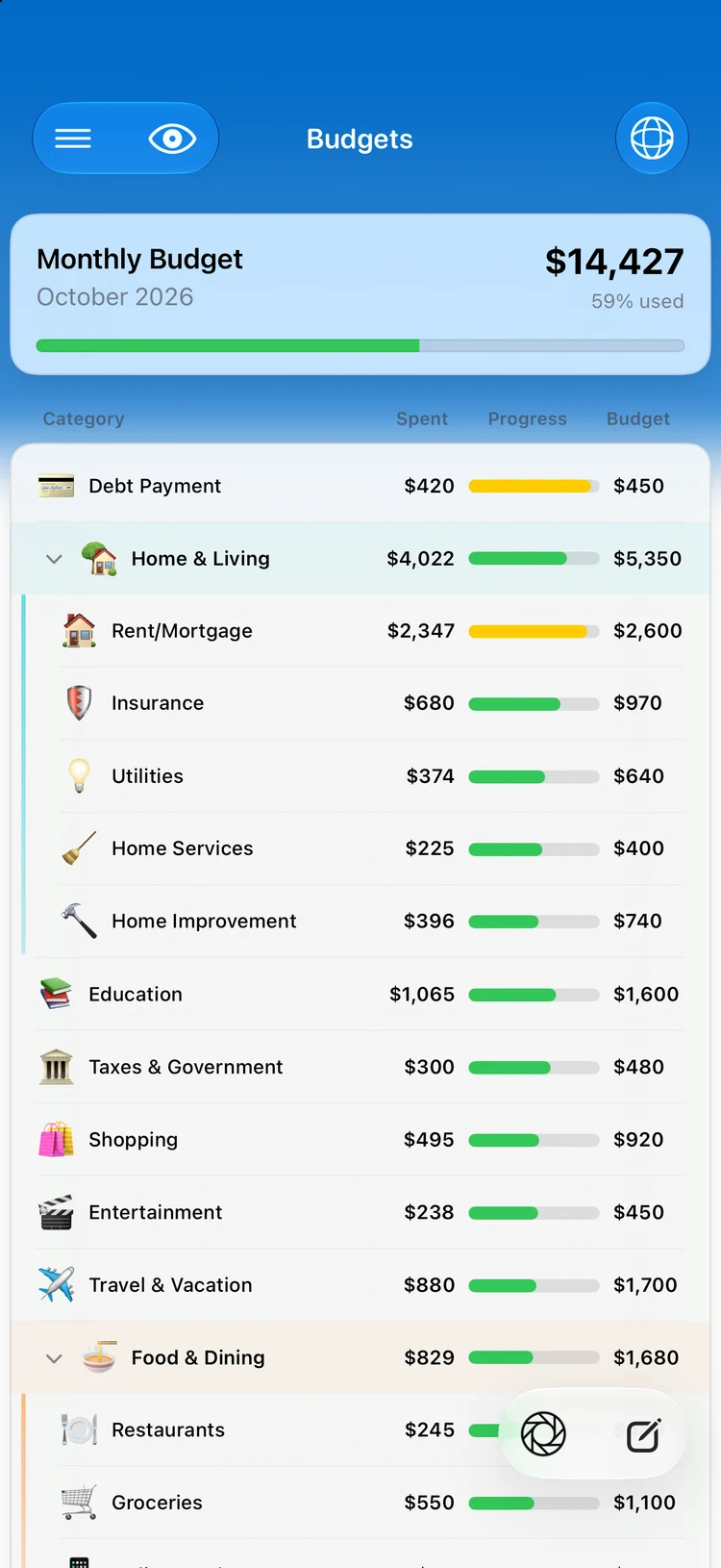
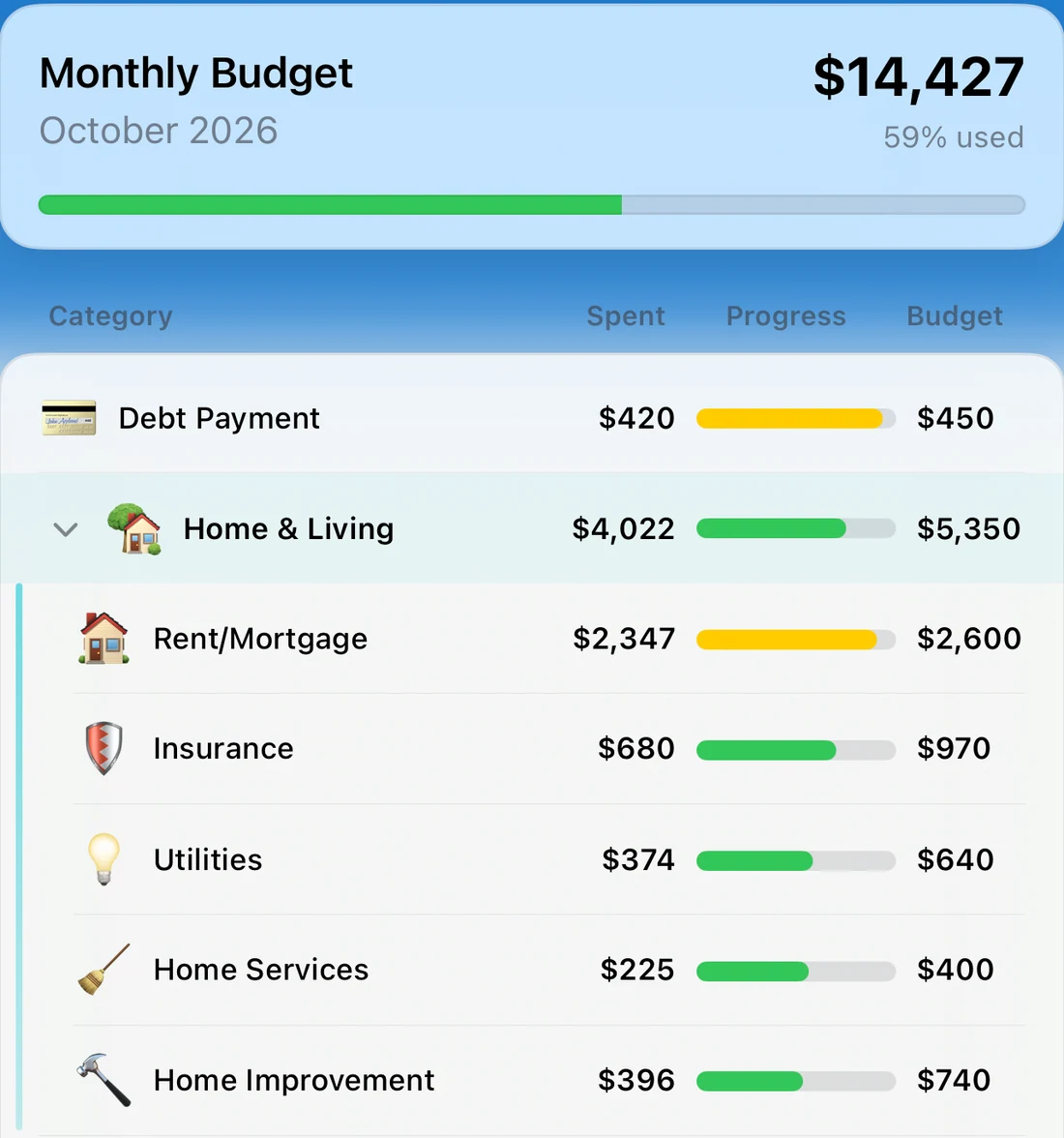
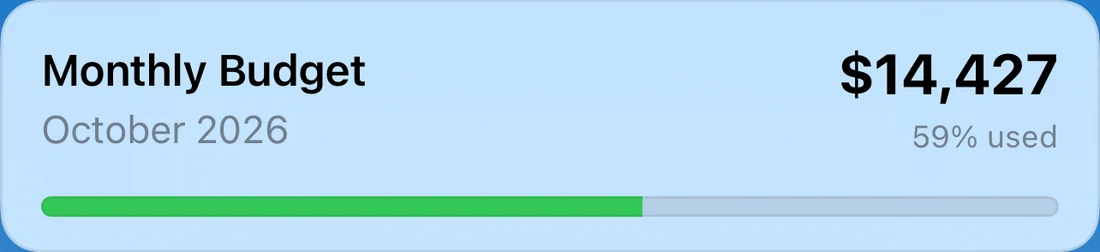
Living budget categories with rolling support, smart suggestions, and forecaster projections. Category drilldowns reveal every transaction.

Transactions

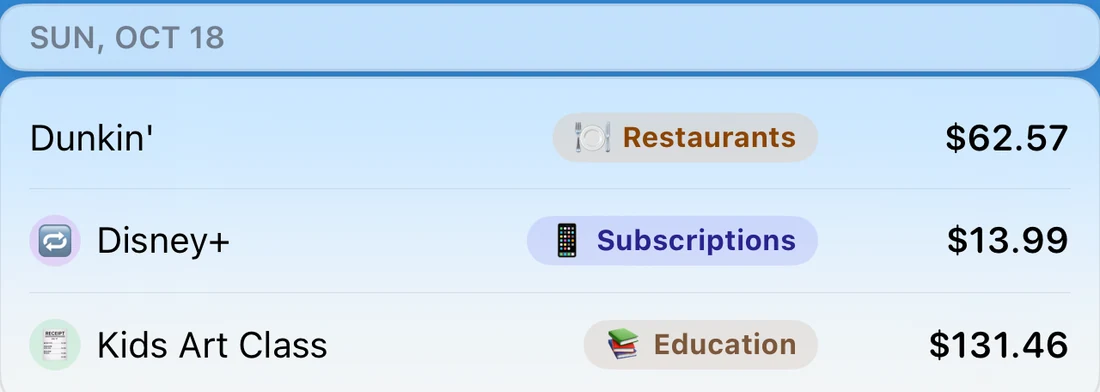
Every financial event in a searchable timeline. Filter by category, account, type, or date range. Bulk operations and deep links built in.

Cash Flow

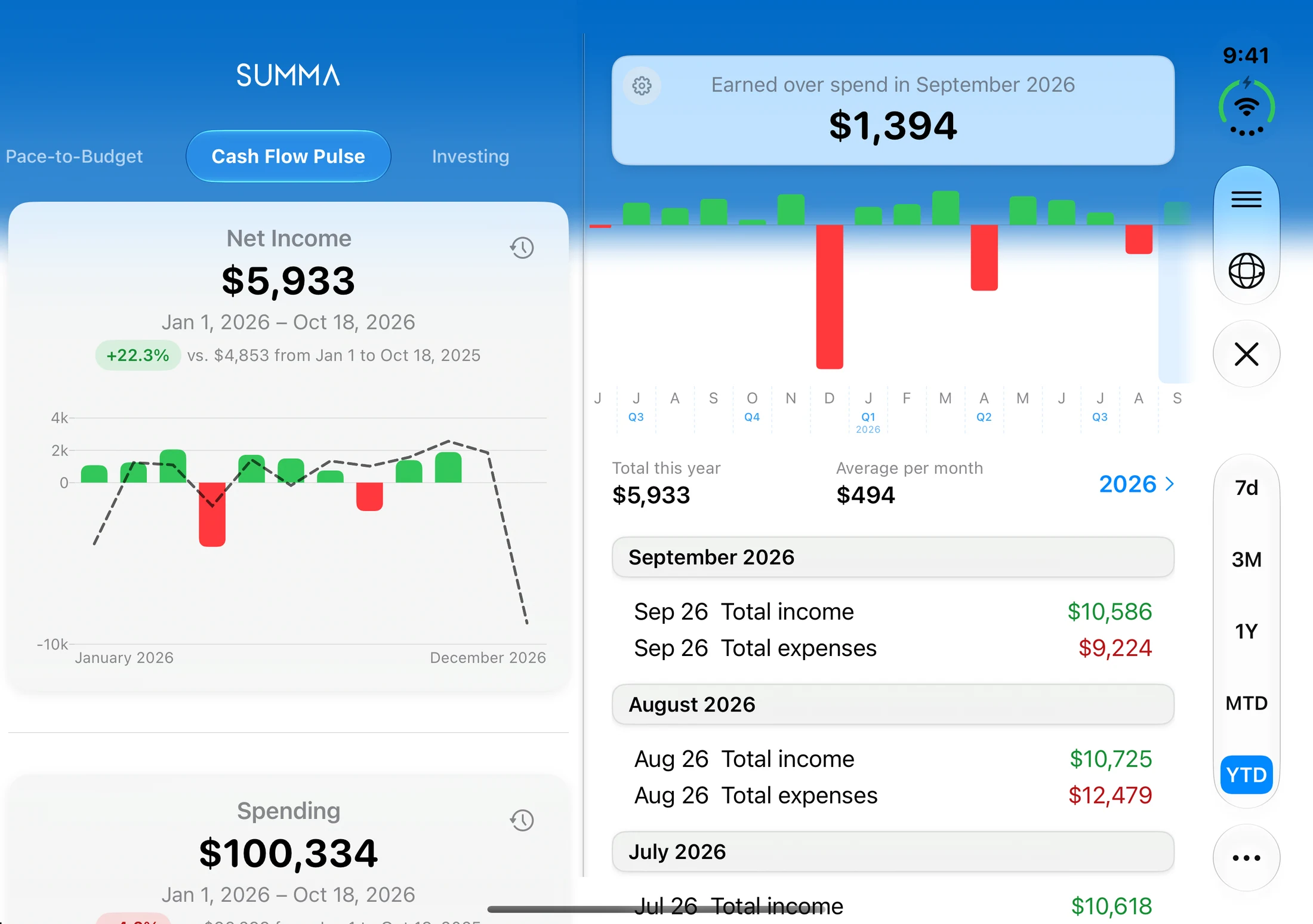
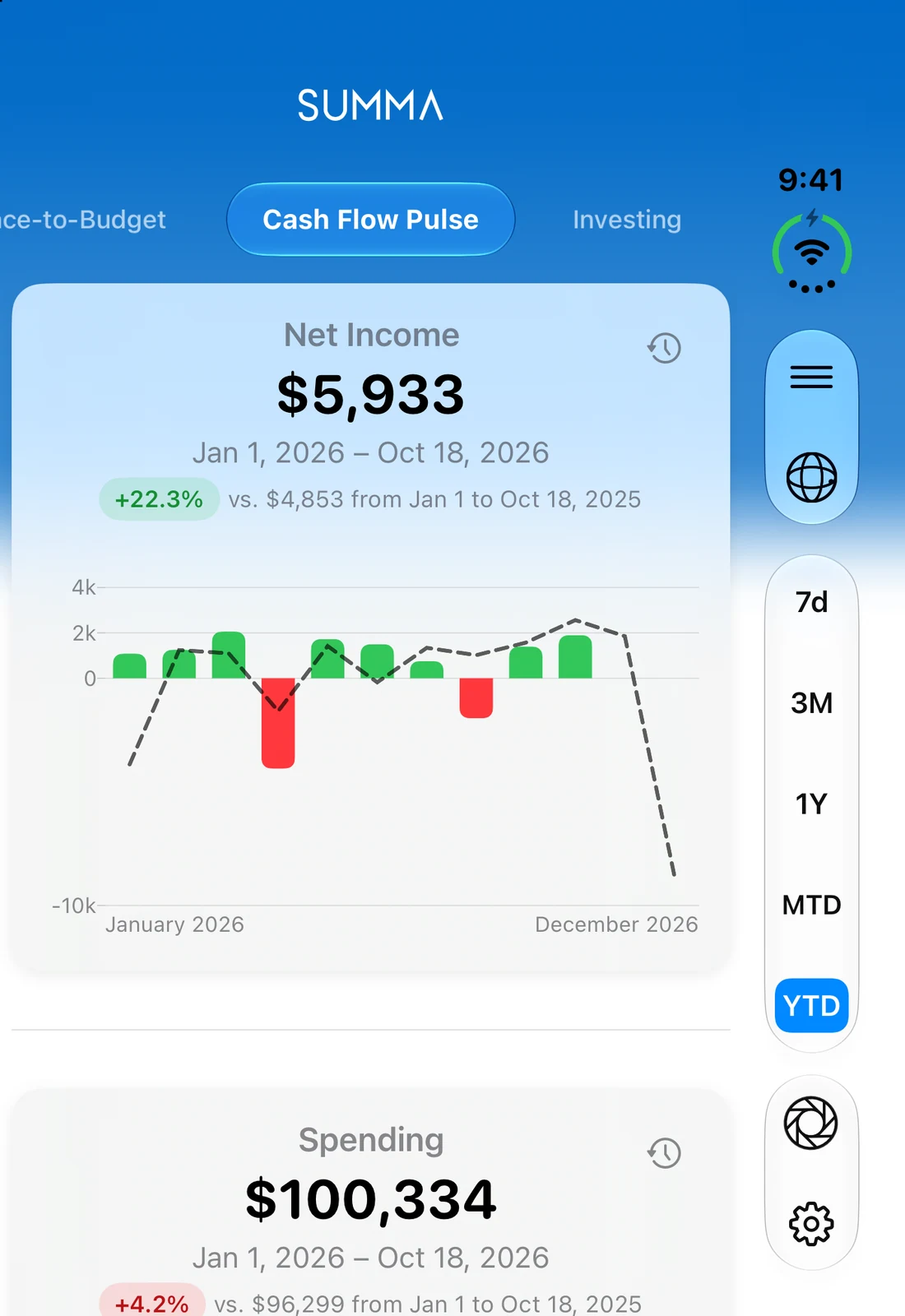
Net income, spending only, or income only: toggle between modes across any time window. Overlay prior periods for comparison.

Plate IX · placeholder

iPhone screenshot: Budgets screen with category rings partially filled and month summary header. Light mode, demo data.

Pl. IXBudgets

No. 05The long run

The long run. Plan with confidence.

Plan months and years ahead. Goals, recurring payments, investments, and forecasts, with your whole future in one place.

Savings Goals

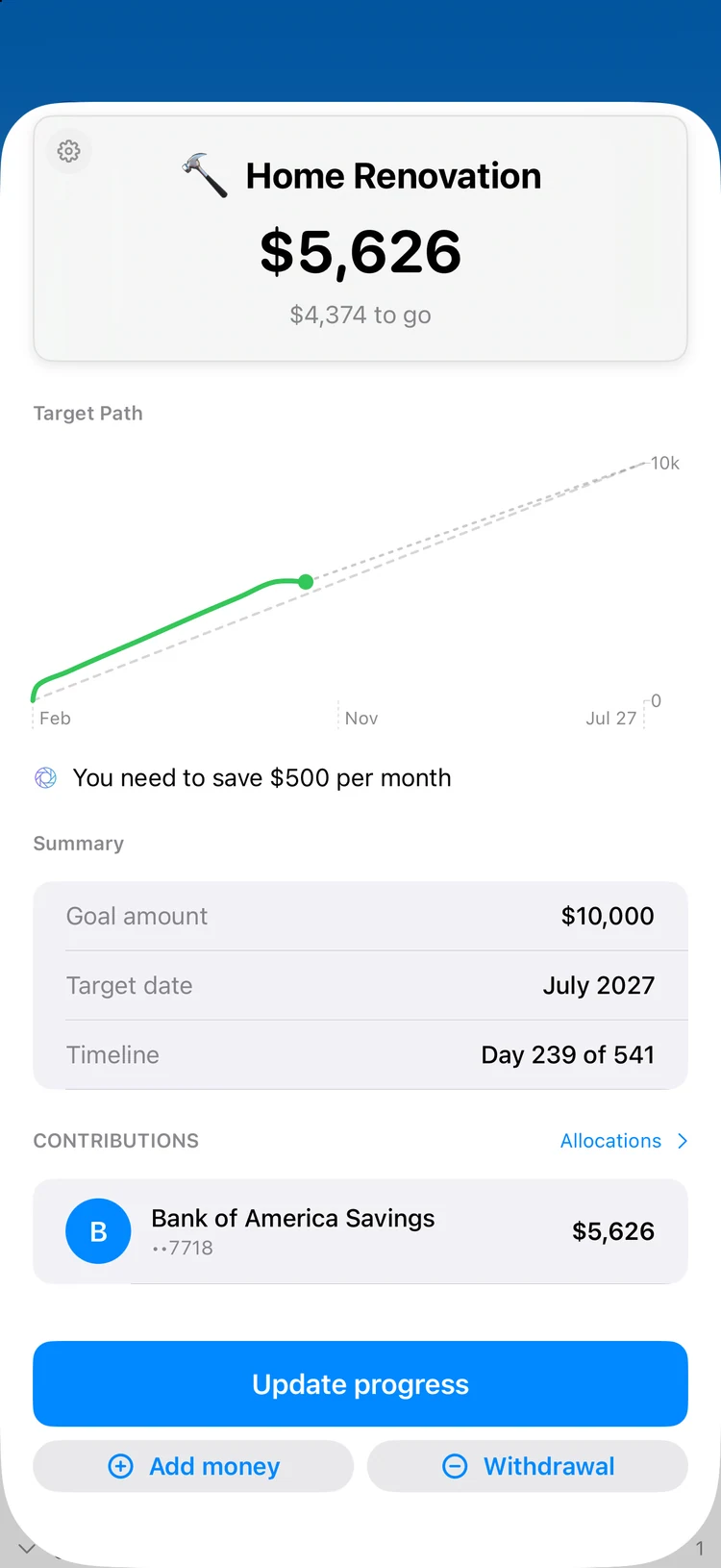
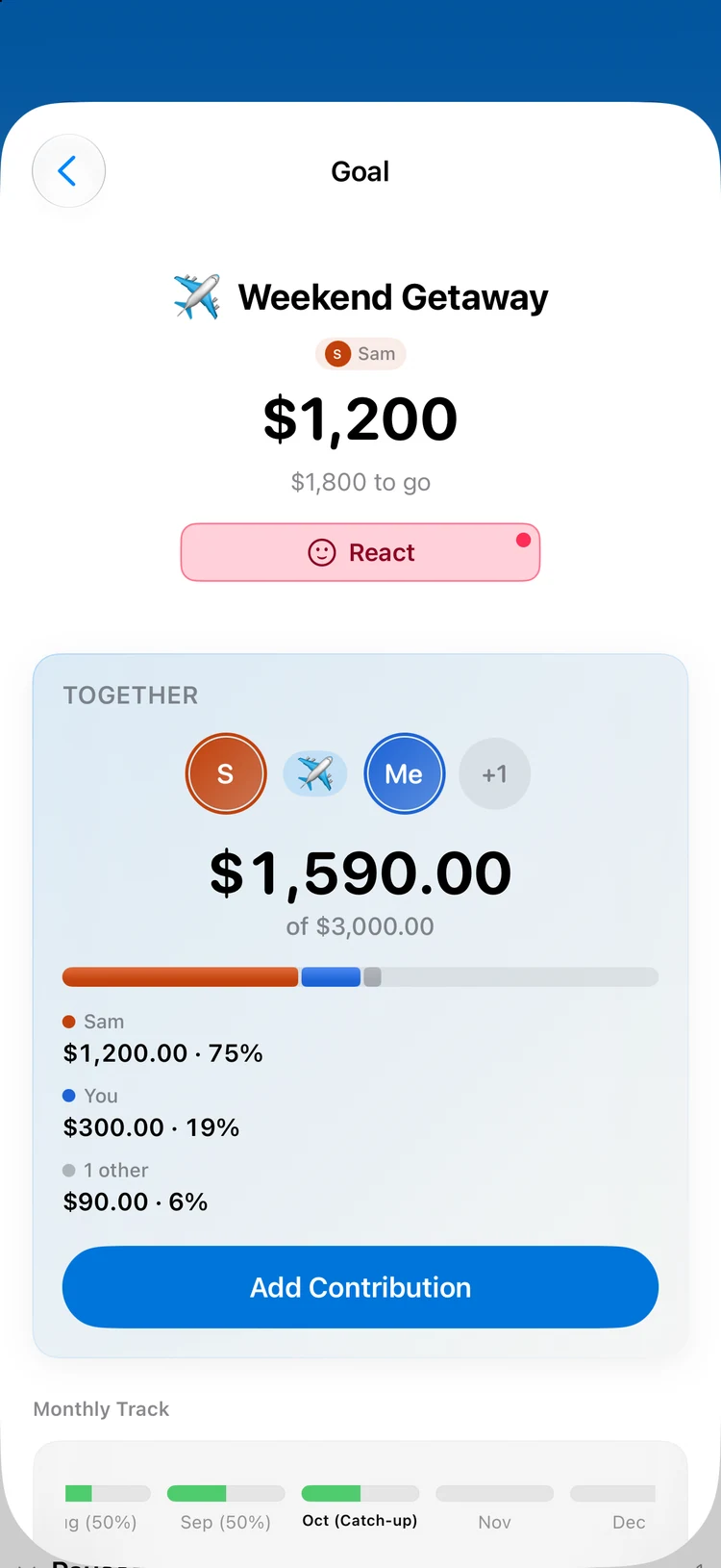
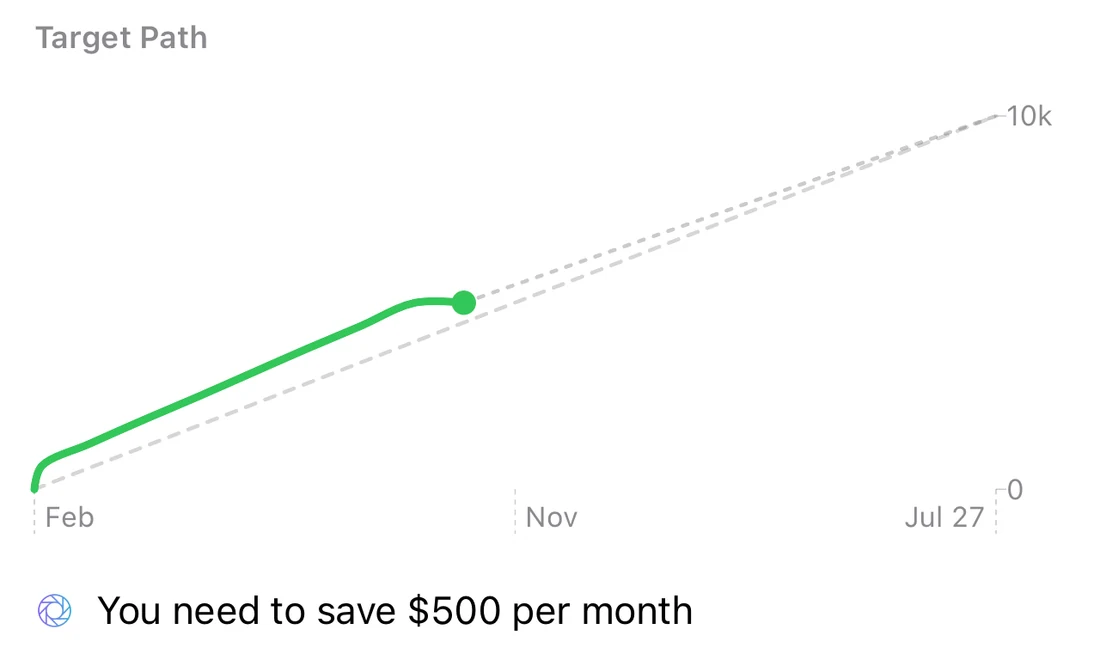
Target-date or monthly-contribution goals with contribution logging, completion celebrations, and withdrawal handling.

Recurring Payments

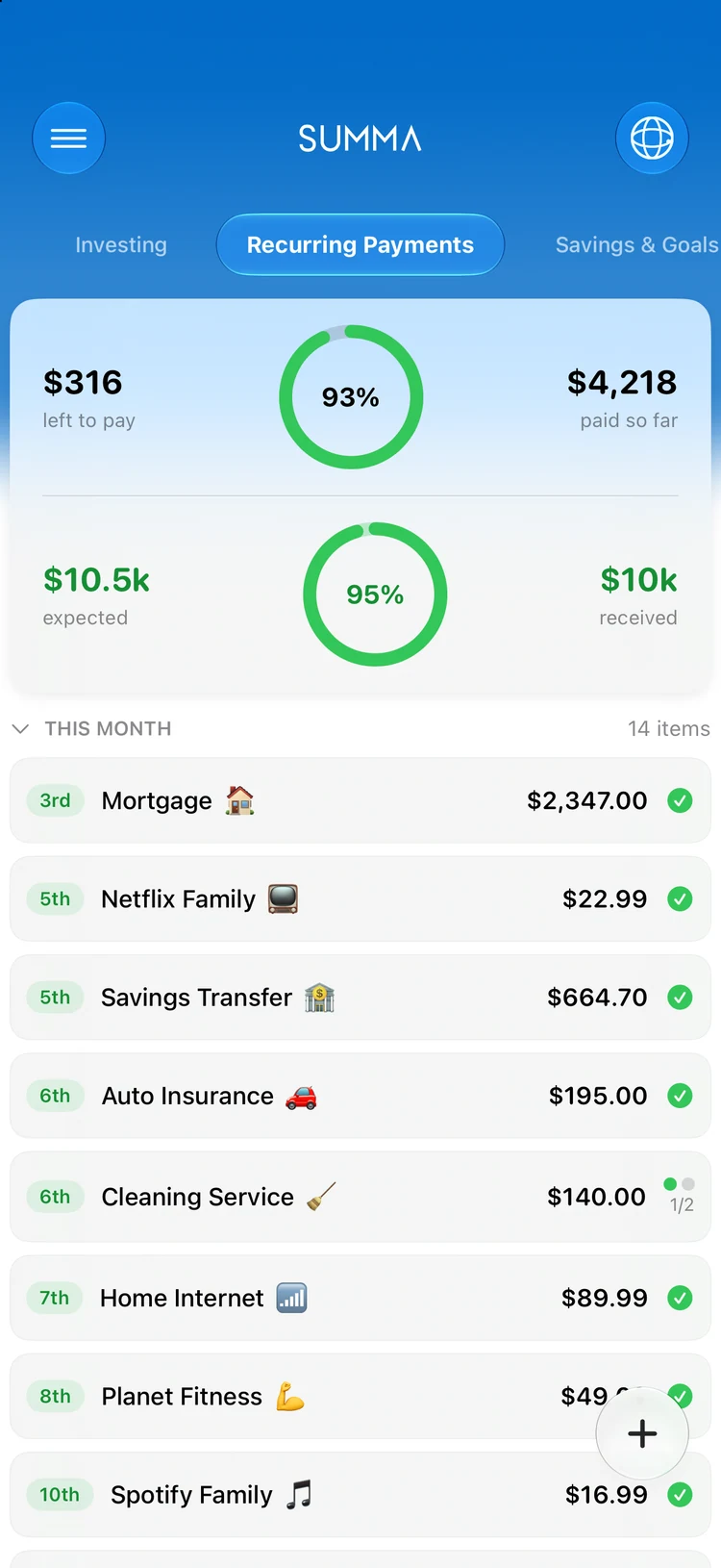
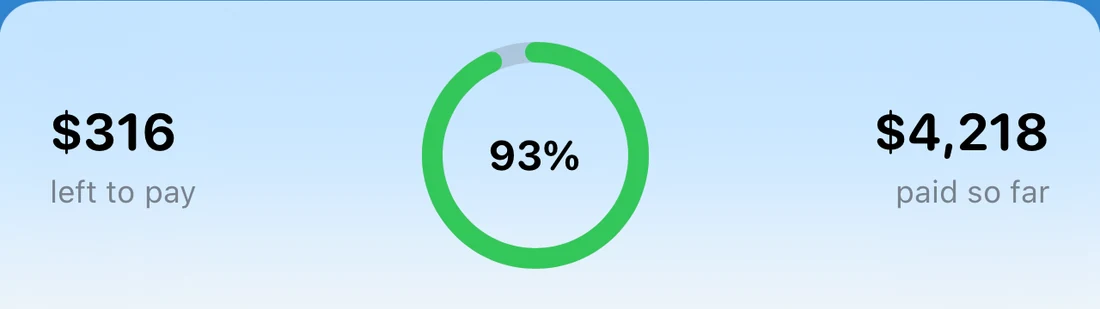
Track bills, subscriptions, and income. Due-vs-paid summaries, future scheduling, and smart transaction matching.

Investing

Portfolio tracking with lot-aware math, candlestick and line charts, real-time market quotes, and multi-portfolio aggregation.

Forecasting

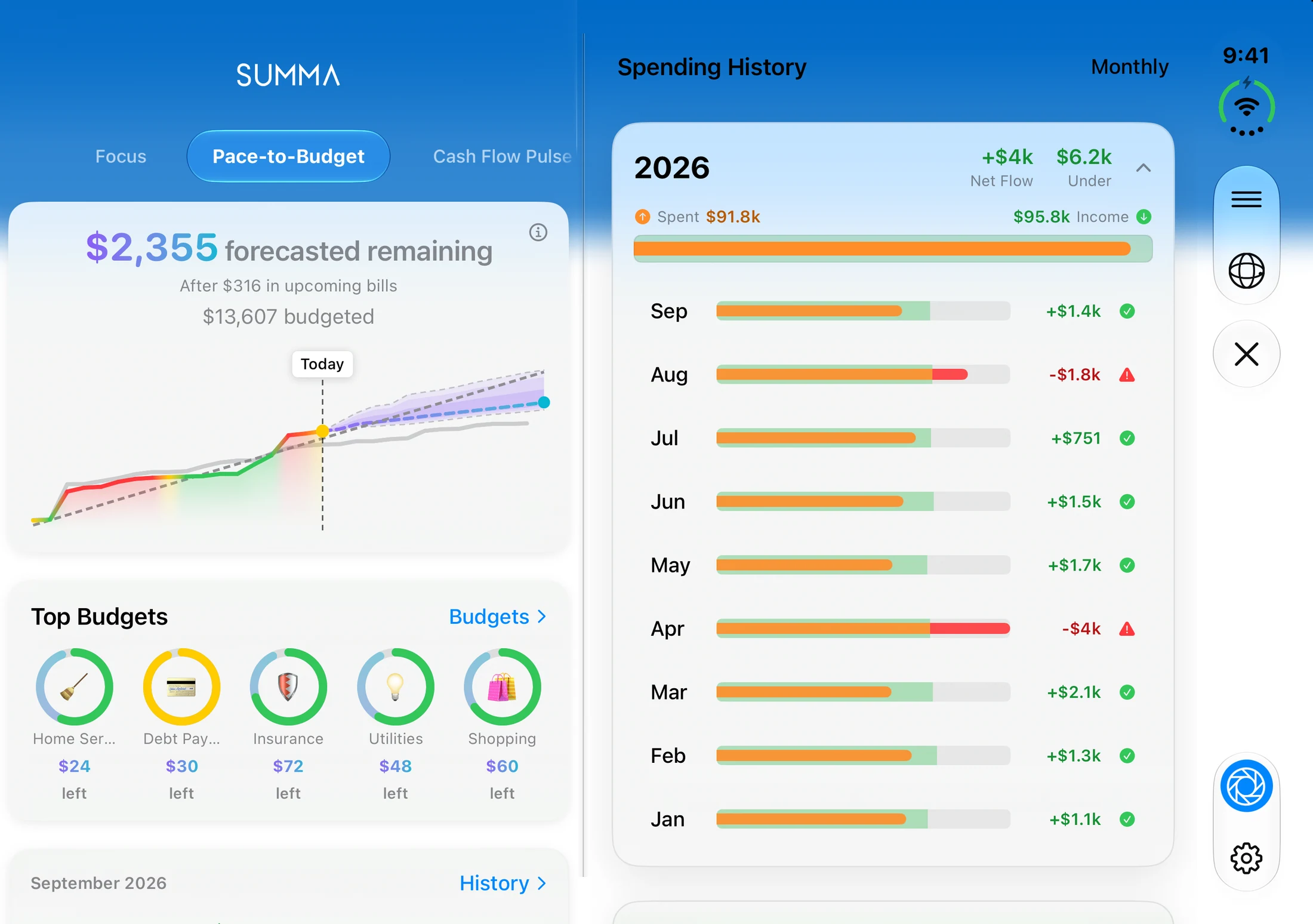
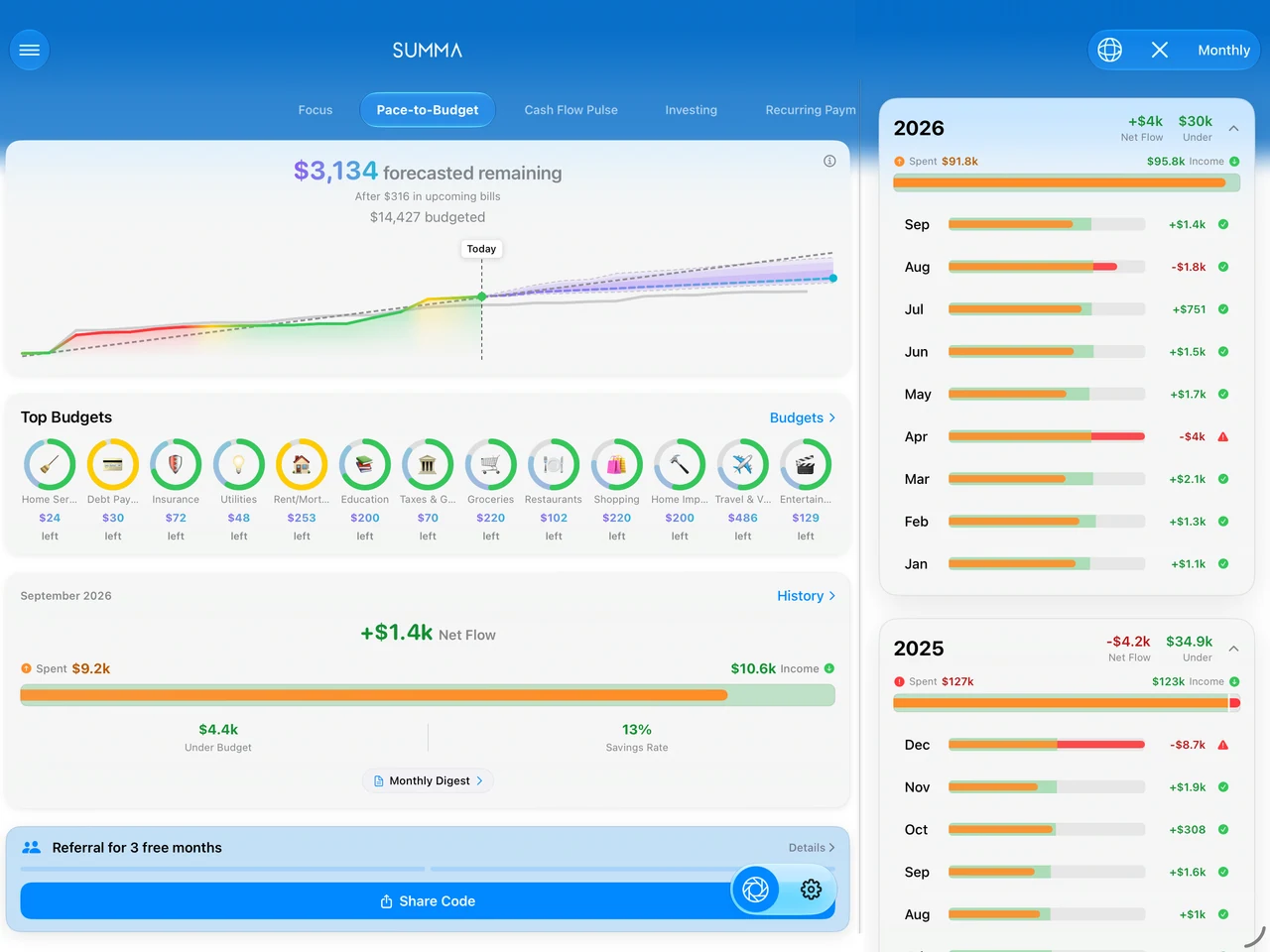
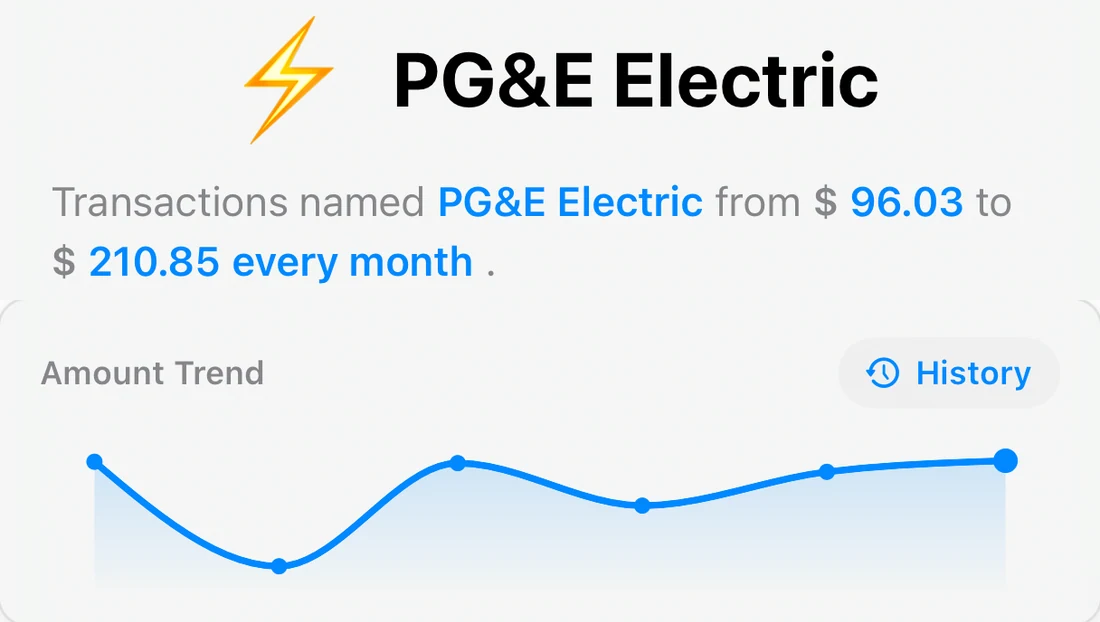
Project future spending with confidence bands. Budget forecaster and cash flow extensions help you anticipate outcomes before they happen.

Plate X · placeholder

iPhone screenshot: Forecaster view. Spending projection cone with high/low bounds over the pace chart. Light mode.

Pl. XForecasting

No. 06In step

Take it everywhere. Always in sync.

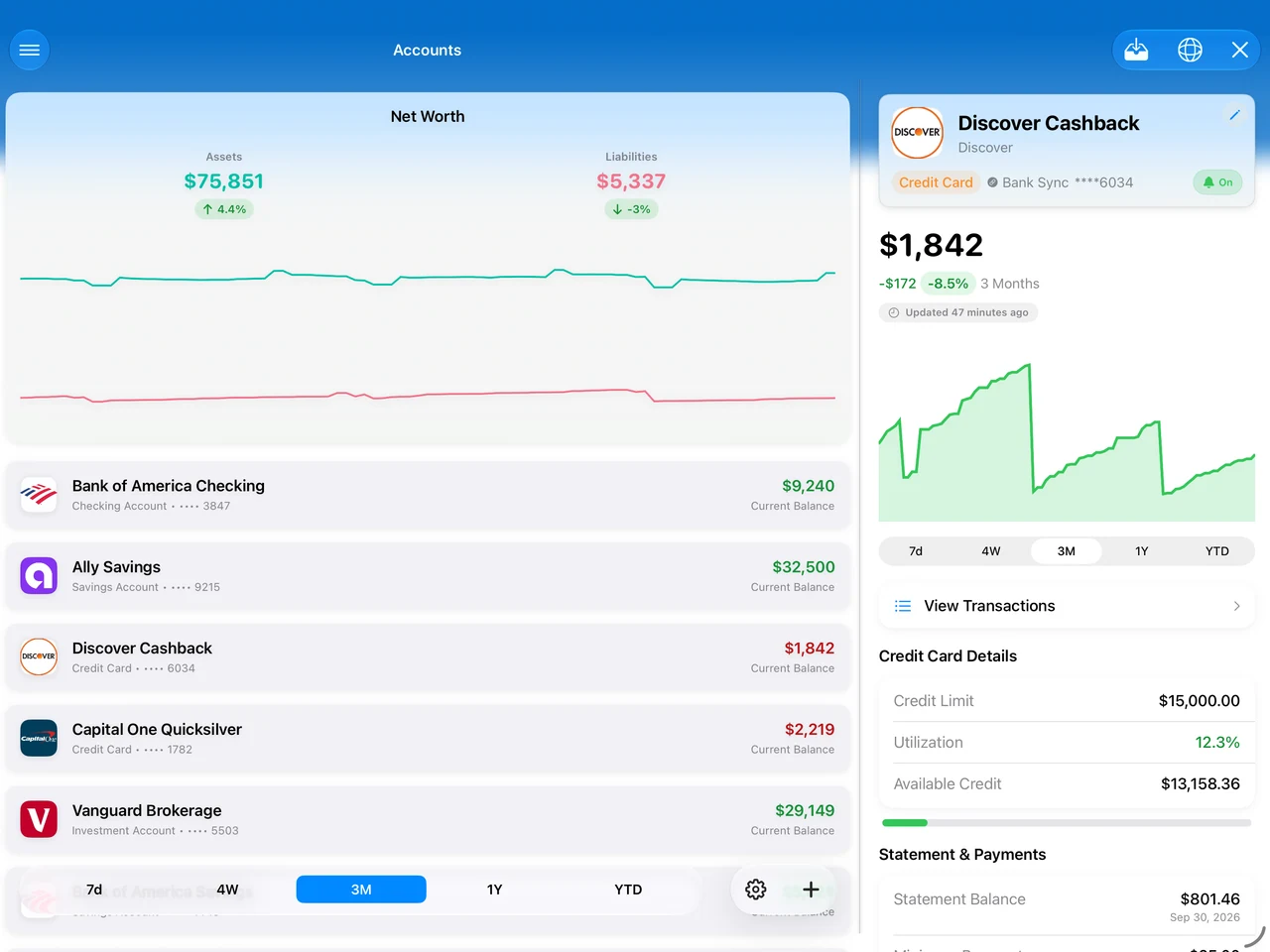
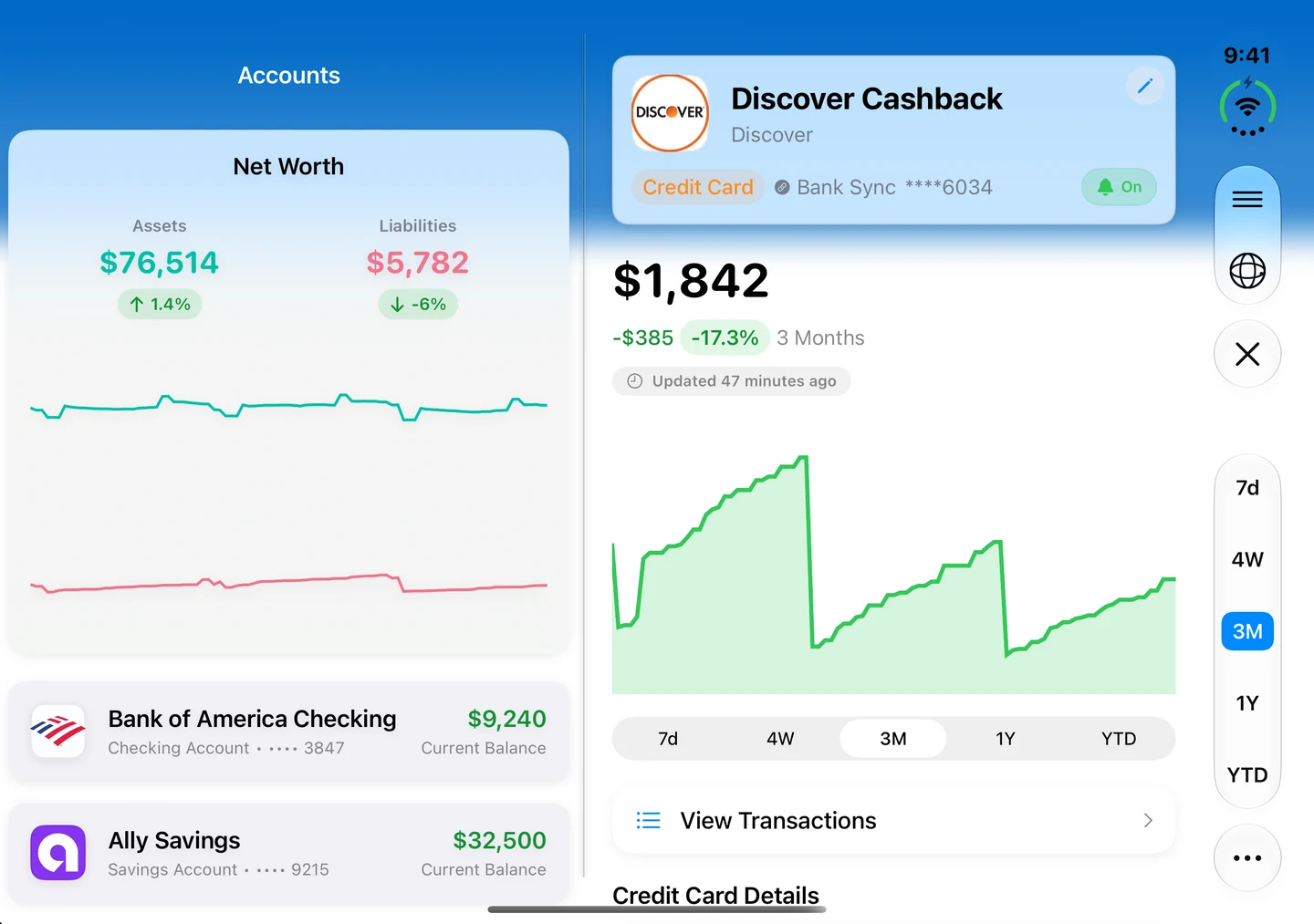
Summa lives on iPhone and iPad alike. Open an entry on one, finish it on the other — every figure, budget, and goal stays perfectly in step.

Plate XI · placeholder

iPad screenshot: Focus dashboard in the expanded two-column iPad layout. Light mode, demo data.

Pl. XIThe full ledger, at iPad scale.
Plate XII · placeholder

iPhone screenshot: the same Focus dashboard, same totals, moments later. Light mode, demo data.

Pl. XIIThe same ledger, in your pocket.

No. 07Private by design

Your data. Beautifully isolated.

Privacy isn’t a feature. It’s the craftsmanship behind every pixel. On-device by default, shared only when you choose.

On-Device Intelligence

Categorization, financial health scoring, and budget suggestions run entirely on your device. Your spending patterns never leave your phone.

SwiftData + Core ML

Sensitive-Value Redaction

Toggle redaction on any surface: dashboard, widgets, shared screens. Balances and amounts blur until you choose to reveal them.

Per-widget toggle

Shared Spaces

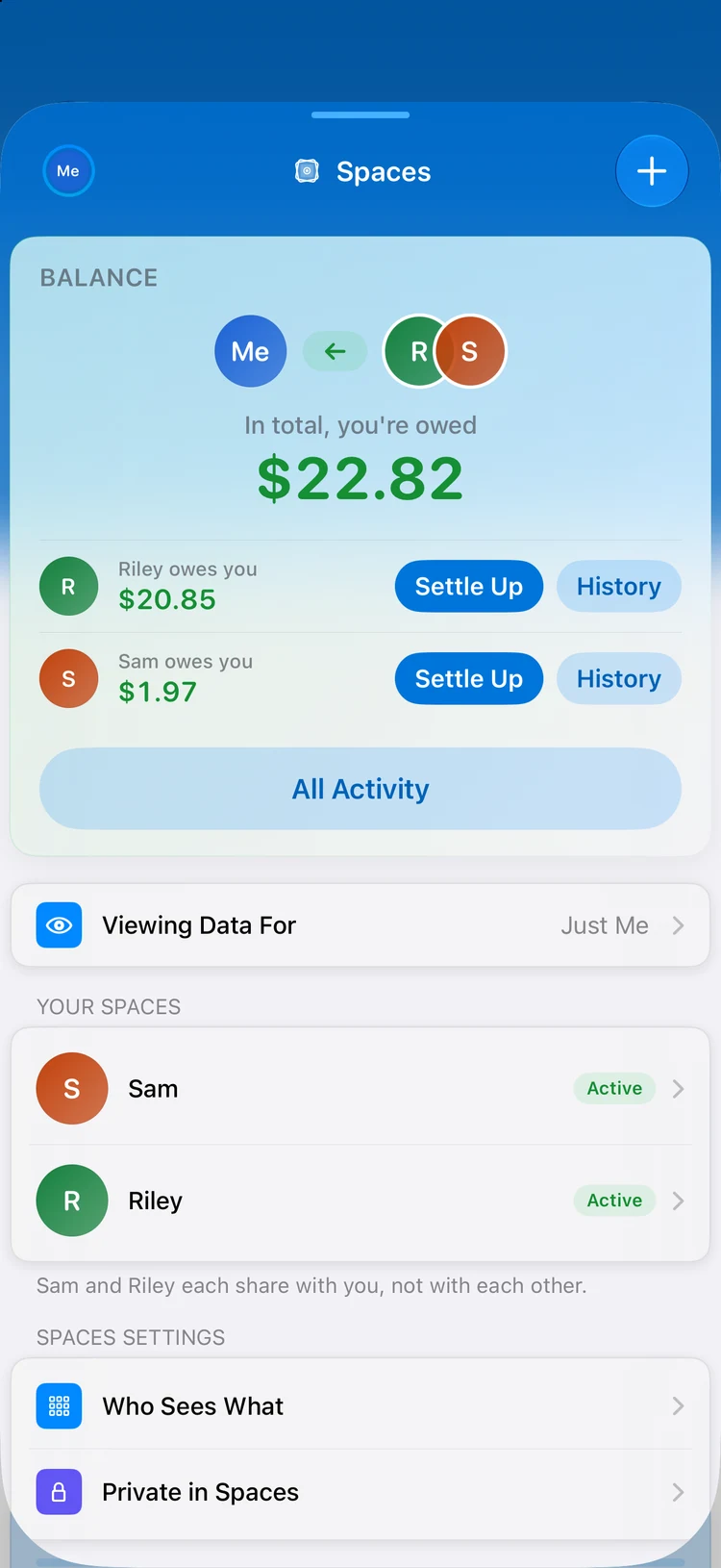
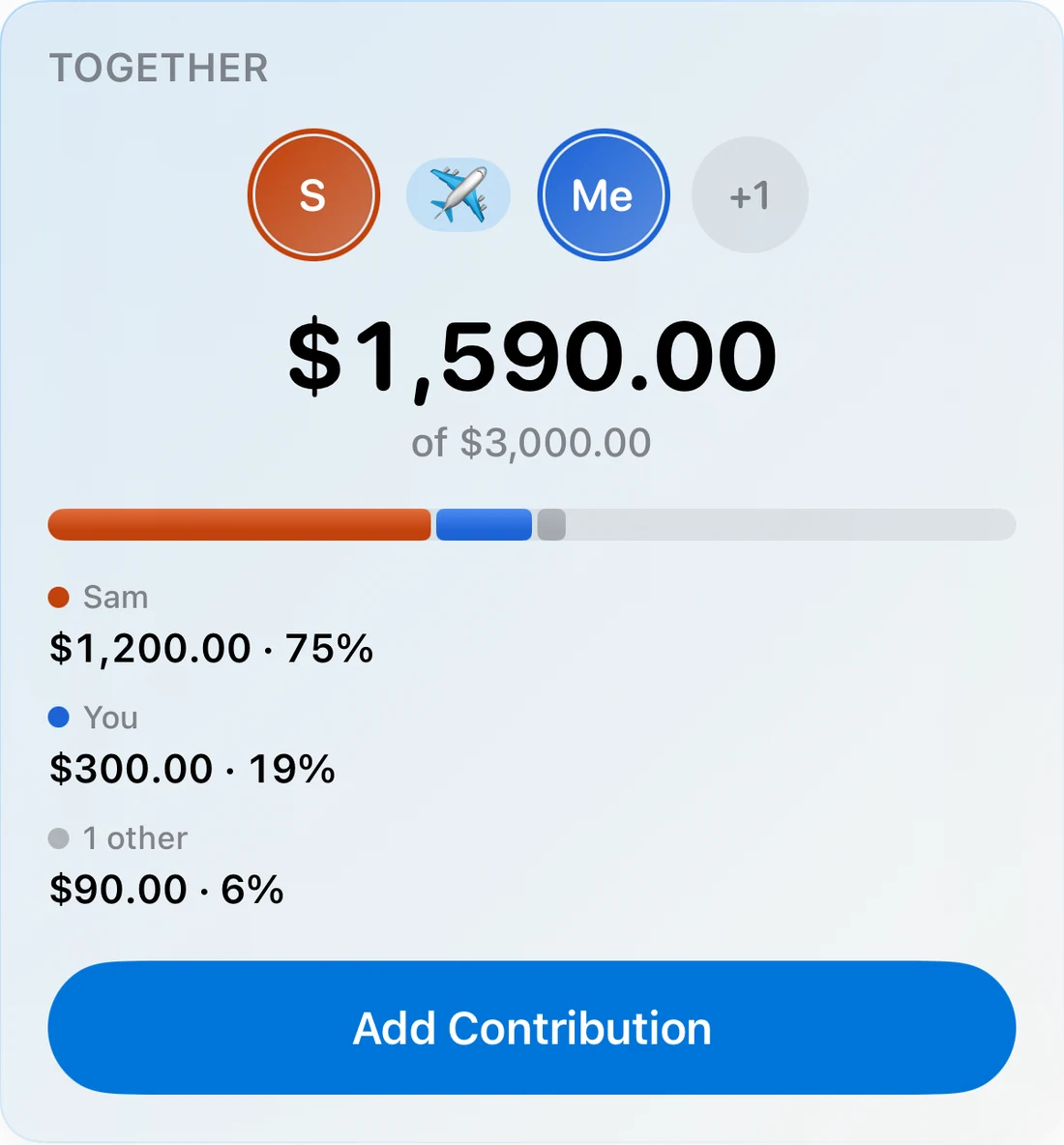
Share finances with a partner through Shared Spaces. Per-source controls and access levels let you decide exactly what’s visible.

Role-based access
  • AES-256 encryption
  • iOS Data Protection
  • Keychain-secured credentials
  • Biometric unlock
  • Ownership-scoped data

No. 08The index

The full frame.

Every capability, meticulously crafted.

No. 09The tariff

Choose your plan.

No surprises, no ads, no hidden fees. Just honest pricing for a tool built around you. Start a free trial and upgrade when you’re ready.

Automation

Pro+Connect

$6.67/mo

$79.99/year, billed annually

  • Everything in Pro included
  • Plus automatic sync
  • Automatic bank sync
  • Automatic transaction import & categorization
  • Plaid smart category mapping
  • Set it and forget it. Your transactions arrive automatically, categorized and ready to review.

Yearly$79.99
Get Pro+Connect

Both plans include a 1-month free trial · Cancel anytime

Preview Mode

Not ready to connect a bank? Explore the full app with sample data, no account linking required. See exactly what you’re getting before you commit.

No. 10FAQ

Questions, answered

Everything you need to know about Summa: budgeting, bank sync, investing, privacy, and more.

Is Summa free to use?
Yes, Summa is free to download and you can budget, track transactions, set savings goals, and monitor your net worth at no cost. Summa Pro unlocks advanced features like automatic bank sync, the cash-flow forecaster, and investment tracking, starting at $4.17/month billed annually.
What was Summa called before?
Summa was formerly known as Spendlens. It is the same app and team, just a new name. All your data, accounts, and subscriptions carry over seamlessly.
Which devices does Summa support?
Summa is a native app for iPhone and iPad, built with SwiftUI. Your data syncs privately across your devices through iCloud, and Home-Screen and Lock-Screen widgets give you at-a-glance financial visibility.
How does automatic bank syncing work?
Summa connects to your bank through Plaid, the same secure service used by leading finance apps. The connection is read-only, your bank credentials are never seen or stored by Summa, and access tokens are kept on the server, never on your device. You can trigger a manual sync or disconnect any institution at any time.
Is my financial data private and secure?
Privacy is foundational. Your data lives on your device and in your private iCloud, protected by Face ID or Touch ID. Security rules follow a default-deny posture, sensitive bank secrets stay server-side, and you can erase or export your data whenever you want. Summa never sells your data.
Can Summa track my investments?
Yes. Summa offers lot-aware portfolio tracking with real-time market quotes, gain/loss and day-change metrics, and candlestick or line charts. Search for ticker symbols, add holdings, and roll multiple portfolios into a single view.
Does Summa do budgeting and forecasting?
Yes. Create budgets with a guided setup, carry unspent amounts forward with rolling budgets, and accept smart suggestions based on your spending. The forecaster projects future category spending so you can see where the month is heading before it arrives.
Can I import data from another app or my bank?
Yes. Summa's CSV import handles real-world files with intelligent column mapping and duplicate detection, and the import session is resumable. You can also capture receipts with on-device OCR for fast entry, and export your transactions as a standards-compliant CSV anytime.
Can my partner or family share finances in Summa?
Yes. Shared Spaces shared spaces let couples, families, or roommates share a financial picture with per-source aggregation and access-level controls. Each participant's data is clearly attributed, so everyone keeps transparency over what is shared.
Does Summa track bills, recurring payments, and net worth?
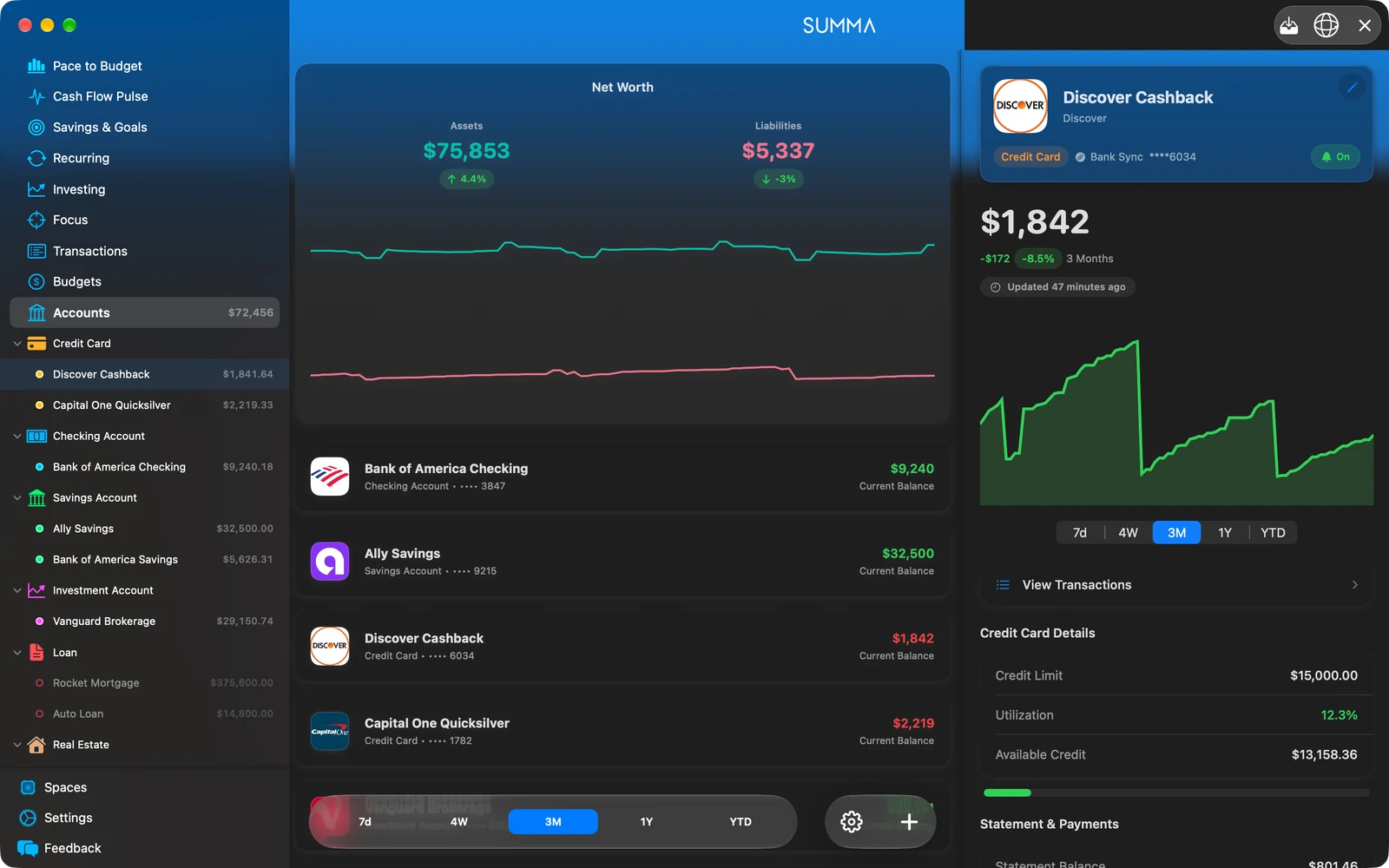
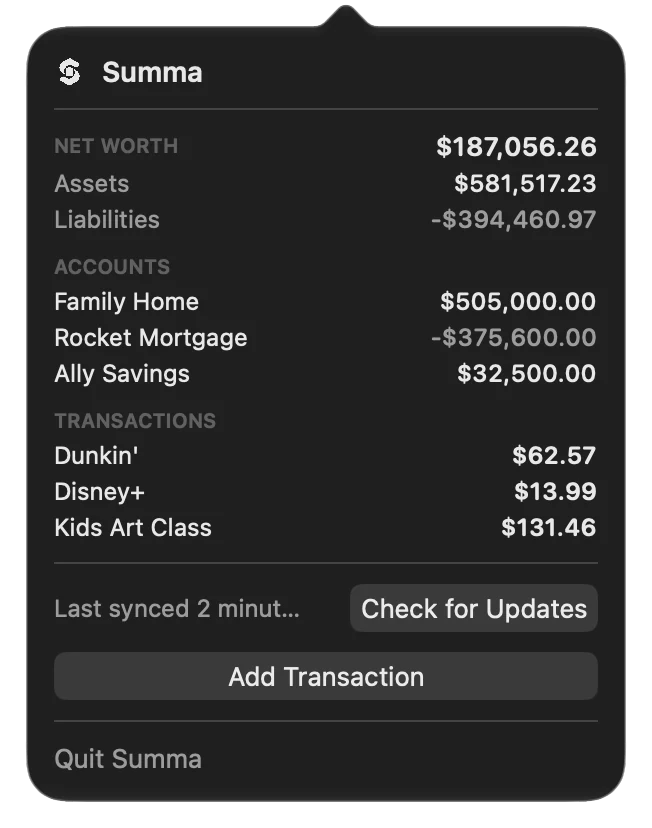
Yes. Track bills and subscriptions with due-vs-paid summaries and future scheduling, log recurring income, and watch your net worth update as Summa sums your assets and subtracts your liabilities across every account type.

No. 10The bottom line

See clearly.
Spend wisely.

Your complete personal-finance command center. Beautifully crafted for iOS.

Download for iOSDownload on the App StoreFree to download · Pro starts at $4.17/mo